Where can I find an add-ins after the installation?
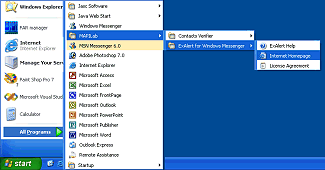
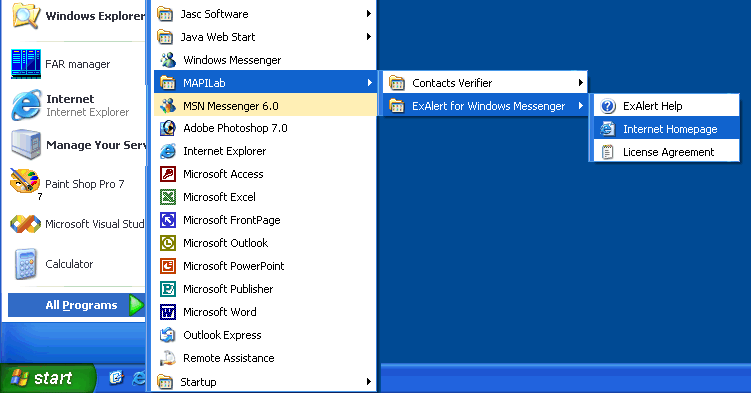
The “MAPILab” folder is created in the “Start” menu. It contains the folders of all installed add-ins the way it is shown below in the menu:
Open the help of some installed add-in and see the “Introduction” or “Working with the program” sections to find the description on what control items it adds to the Microsoft Outlook toolbar and menu and under what conditions these items become visible and available.
If there are no described items in the Microsoft Outlook interface, make sure the add-in is loaded (look at the article "How is it possible that I cannot enable an add-in? What are “disabled items”?).
|
|
|








 Support area
